
Download Kaspersky Free – antivirus, malware protection, free security tool, Kaspersky Free, online safety, secure browsing, Windows protection
Overview
Kaspersky Free is a dedicated security solution developed by the globally recognized cybersecurity firm Kaspersky, designed specifically for Windows users seeking robust protection without cost. This application serves as a comprehensive antivirus and threat detection tool, addressing the growing need for reliable digital defense in an era of increasing cyber threats. It targets individuals and casual users who require strong, automated protection against malware, phishing attempts, and unsafe online behavior, without the complexity of advanced configuration.
The app provides real-time protection to safeguard devices from malicious software, including viruses, ransomware, and spyware, making it particularly valuable for home users and small office environments. Its ability to perform deep scans on local drives ensures thorough system checks, helping identify hidden threats that may evade standard detection. The developer, Kaspersky, has a long-standing reputation in the cybersecurity industry, lending credibility to the product’s effectiveness and reliability.
Use cases include protecting personal data during online banking, securing sensitive documents, and ensuring safe web browsing, especially on shared or public computers. In the broader app ecosystem, Kaspersky Free stands out as a free-tier offering from a major security provider, bridging the gap between essential protection and premium features. It offers a solid foundation for users who may later consider upgrading to a paid version for enhanced functionality such as parental controls and secure browsing tunnels.
Key Features & Functionality
- Real-Time Malware Protection – Automatically monitors system activity and blocks known and emerging threats in real time, minimizing the risk of infection.
- Heuristic Threat Detection – Uses a continuously updated database to identify suspicious behaviors and patterns, even from previously unknown malware.
- Safe Connection Analyzer – Evaluates network connections during browsing to detect insecure or potentially dangerous links and alerts users accordingly.
- URL Safety Alerts – Integrates with web browsers to warn users when visiting potentially harmful or phishing websites.
- Anonymous Browsing Mode – Provides a privacy-enhancing feature that reduces tracking and data collection during sensitive online sessions.
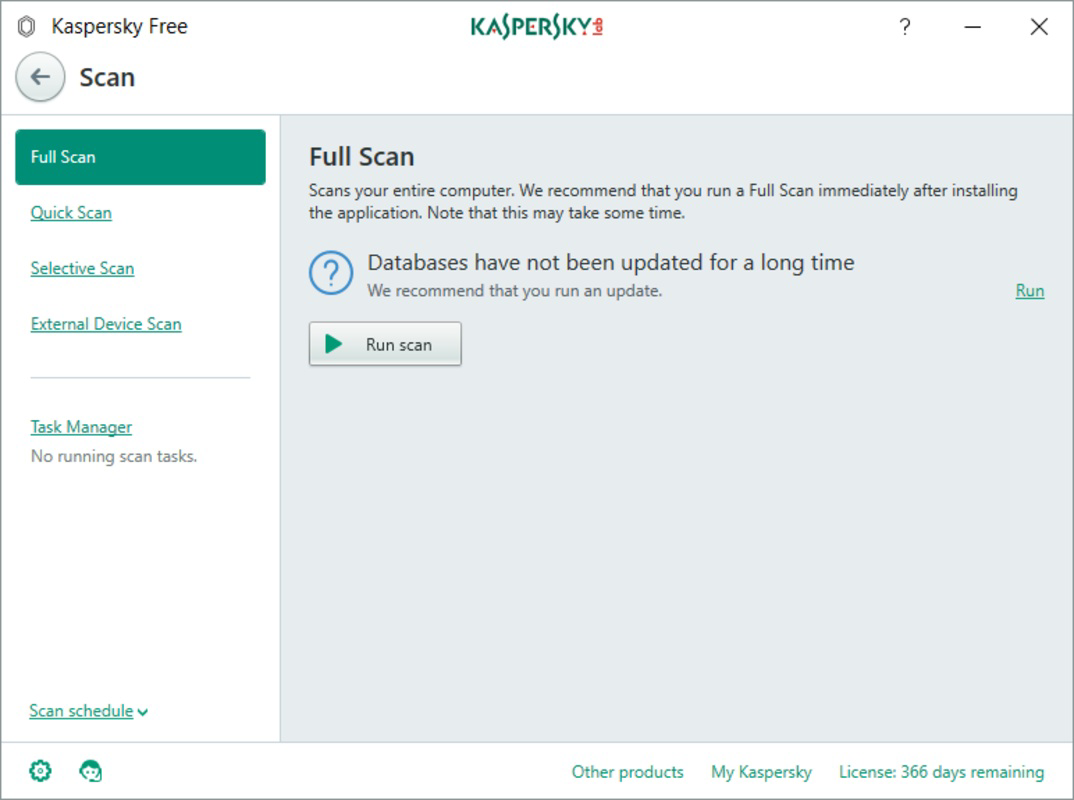
- Deep System Scanning – Allows users to initiate full or custom scans of local drives to detect and remove hidden threats.
These features are particularly useful for users who frequently access the internet for work, shopping, or social media. For example, the URL safety alerts help prevent accidental exposure to fraudulent websites, while the anonymous browsing mode supports privacy-conscious users. The heuristic engine ensures protection even against zero-day threats, offering a proactive defense layer. The deep scanning function is ideal for users who want to perform periodic system cleanups or investigate suspected infections. All features are designed to operate with minimal user intervention, aligning with the app’s goal of being both effective and user-friendly.
Interface, UX & Performance
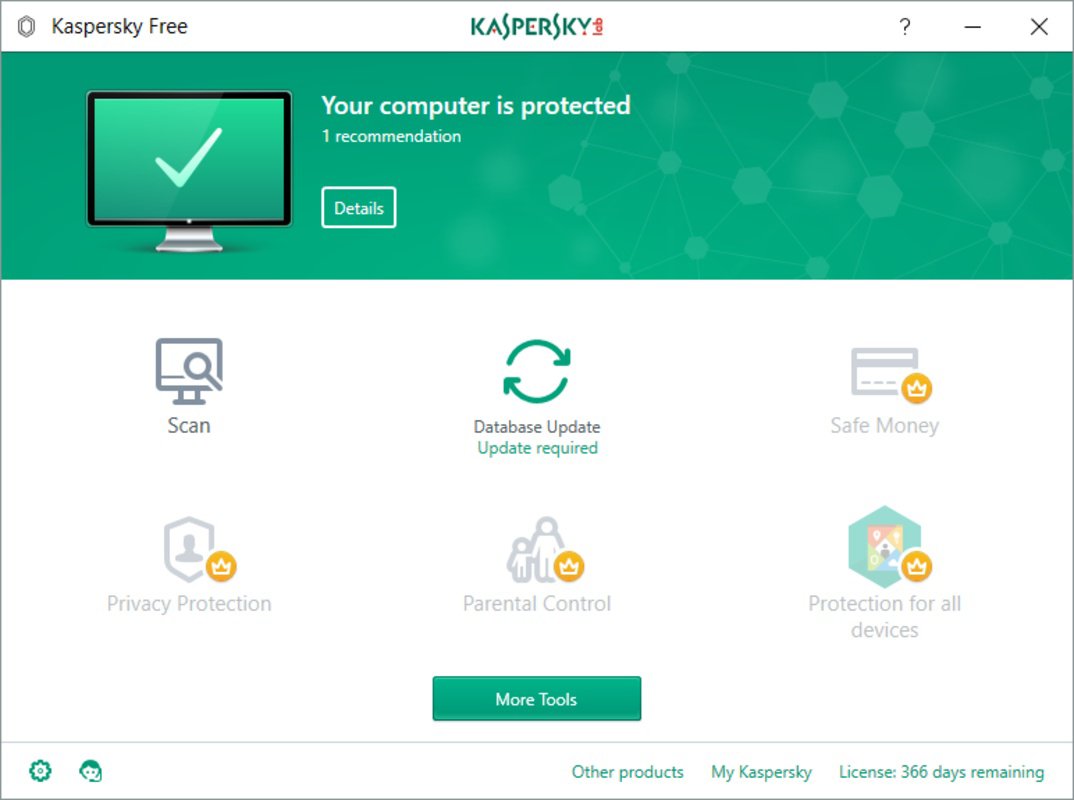
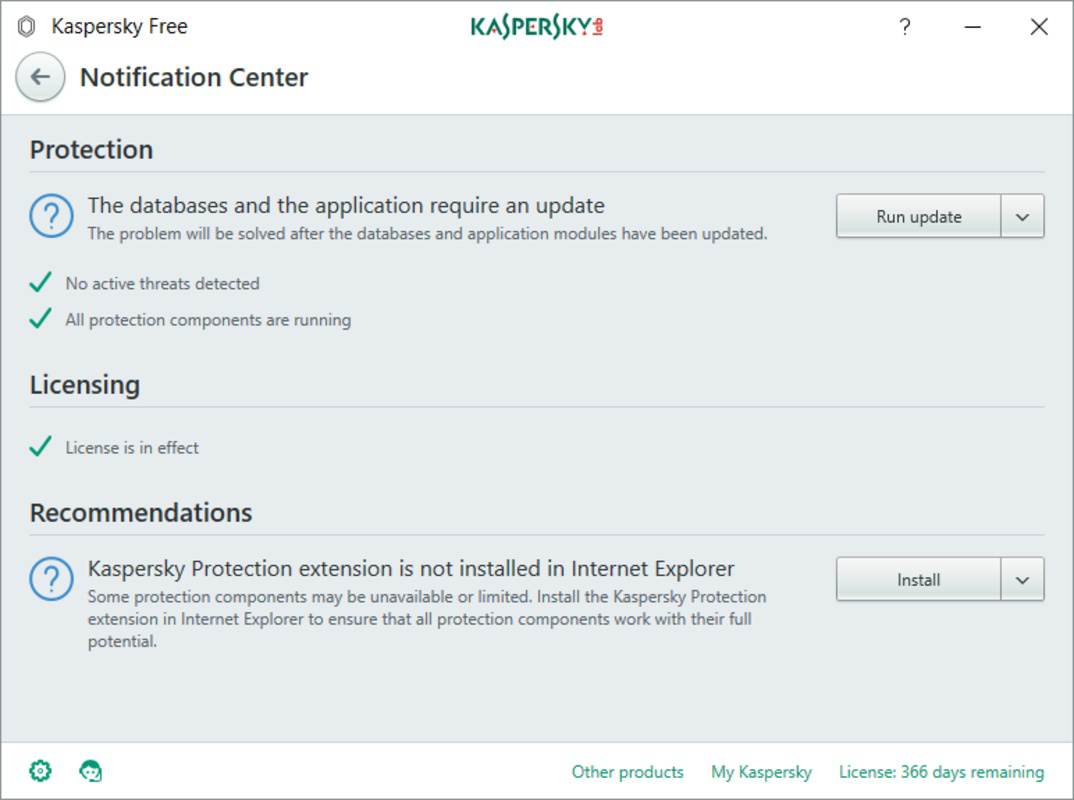
The user interface of Kaspersky Free is designed with simplicity and clarity in mind, focusing on essential functions without overwhelming users with technical jargon. The main dashboard presents a clean layout with status indicators for protection, recent scan results, and active threats, allowing users to quickly assess their system’s security health.
Navigational flow is intuitive, with clearly labeled sections for scanning, protection settings, and security reports. Most actions can be completed with minimal clicks, supporting a seamless experience for non-technical users. The app operates efficiently in the background, consuming minimal system resources during regular use, which helps maintain overall device performance.
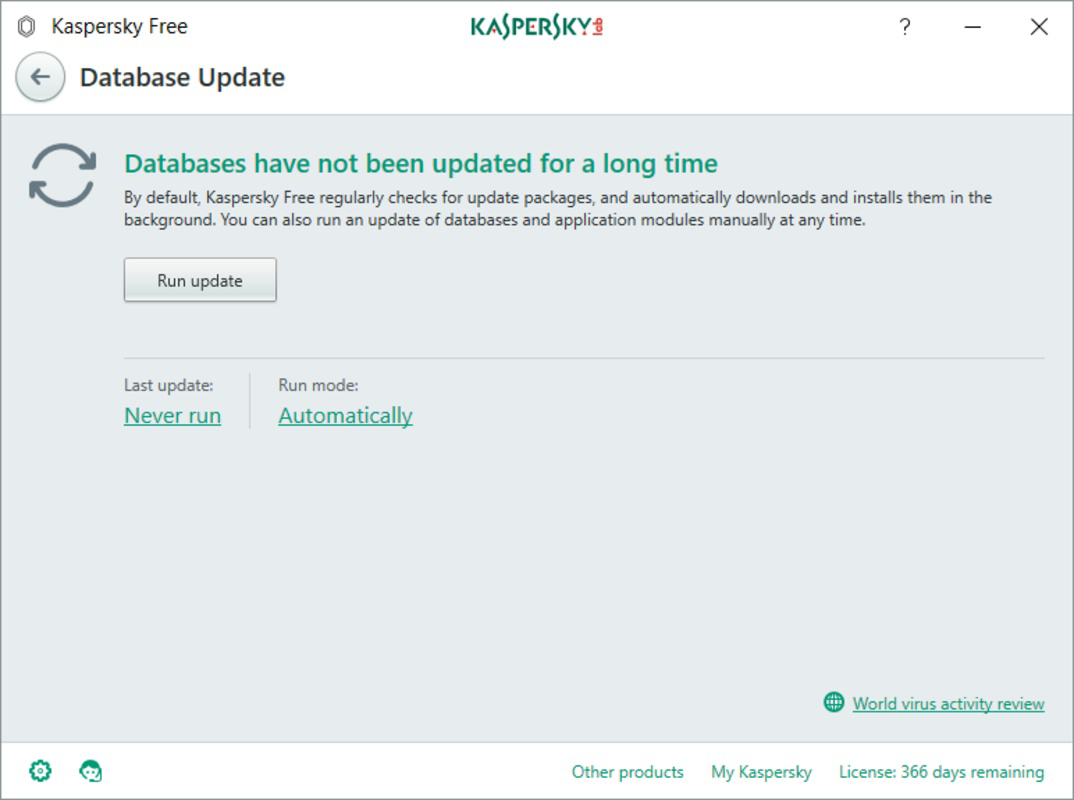
Although the developer did not list formal performance metrics, the application demonstrates consistent responsiveness across various Windows device categories. It maintains stability during extended operation and does not show signs of crashes or freezes under normal usage. Updates are delivered automatically, ensuring the threat database remains current without requiring user input. The overall UX prioritizes accessibility and reliability, making it suitable for users of all experience levels.
Platform Compatibility & Technical Requirements
Kaspersky Free is available exclusively for the Windows platform, supporting the latest versions of the operating system as of its release. The app has a file size of 137.9 MB, which is relatively compact for a full antivirus suite, indicating efficient resource management.
Specific requirements for minimum OS versions or hardware specifications were not listed by the developer. The app is designed to function on standard Windows machines, though users are advised to ensure their system meets general compatibility standards for running modern security software. Compatibility information was not fully disclosed, so users should verify their system’s ability to run the application before installation.
Pros and Cons
Pros
- Completely free with no hidden costs or in-app purchases.
- Real-time protection against a wide range of malware and online threats.
- Regularly updated threat database ensures ongoing defense.
- Simple, intuitive interface suitable for non-technical users.
- Includes useful privacy features like URL alerts and anonymous browsing.
- Efficient performance with low system resource usage.
Cons
- Only available for Windows, with no support for mobile platforms.
- Limited features compared to the paid Kaspersky suite.
- Developer did not specify minimum OS or hardware requirements.
- Advanced security tools such as parental controls and secure tunnels are not included.
- Updates are automatic, which may be undesirable for users who prefer manual control.
FAQ
Is Kaspersky Free safe to download and install?
Yes, Kaspersky Free is a legitimate security tool developed by a reputable cybersecurity company. It is available through official channels and does not contain malware or deceptive practices.
Can I use Kaspersky Free on multiple devices?
The app is designed for single-device use on Windows systems. It does not support multi-device licensing, and the free version does not include features for managing multiple devices.
Does Kaspersky Free require a paid subscription to function?
No, Kaspersky Free operates entirely without a subscription. All core features are available at no cost, though additional tools are accessible only through a paid upgrade.
How often does the threat database update?
The database is updated automatically and frequently by the app’s backend systems to ensure protection against the latest threats. Users do not need to manually trigger updates.
Is Kaspersky Free suitable for business use?
While it provides strong protection for personal use, the app lacks enterprise-grade features such as centralized management, reporting, and advanced threat analytics, making it less ideal for business environments.
Final Thoughts
Kaspersky Free delivers a powerful, no-cost security solution tailored for Windows users who demand reliable protection without complexity. Its real-time threat detection, heuristic analysis, and privacy-enhancing tools make it a standout option among free antivirus programs. The clean interface and efficient performance ensure a smooth experience across various device types.
While it lacks mobile support and advanced features found in paid versions, it excels in its core mission: safeguarding personal devices from digital threats. Users seeking a secure, easy-to-use tool for everyday browsing and file protection will find significant value in this offering.
For individuals who prioritize online safety and want a trustworthy, fully functional antivirus without financial commitment, Kaspersky Free is an excellent choice. Download Kaspersky Free now and take control of your digital security with confidence.


